Catalyst Art
An art advisor sells and manages art for private collectors. Catalyst Art is the software that runs that business: one system for the collection, the clients, private viewing rooms, offers and invoices, and the conversations in between. The advisor works from a web admin or the iOS app. Each collector gets their own iOS app and web portal onto the same data.
- Type
- Software · Product · Client work
- Surfaces
- Web admin · iOS admin · iOS app · Web portal
- Stack
- Next.js · React · TypeScript · Supabase (Postgres, Auth, Storage) · Swift · SwiftUI · Vercel
01The problem
The business ran on relationships and detail, and none of the detail was connected.
Which collector holds which work. What it was valued at, and when. Which pieces to show whom, what's been offered, what's been paid, and who's waiting on a reply. The advisor had all of that, spread across presentations, spreadsheets, email threads, and memory.
Putting together a private showing for one collector meant pulling images and details from several places by hand, and following up meant doing it again. Nothing talked to anything else, so the simplest questions took real time to answer, and the collectors only ever saw a PDF.
02The approach
One backend, two audiences, four ways in.
Rather than one big app, I built the system around who uses it. The advisor and the collectors need very different things from the same data, so each side got its own interface, on the web and on iOS. Everything reads and writes one backend, so there is never a second copy of the truth to keep in sync.
- Web admin: where the advisor runs the business from a desk
- iOS admin: the same account on the phone, for the parts that happen on the move
- iOS app for collectors: their collection, private viewing rooms, and a direct line to their advisor
- Web portal for collectors: the same view in a browser, plus shareable pages for rooms and provenance
The advisor
Web admin
Runs the business from a desk
iOS admin
The same account, on the phone
Each collector
iOS app
Their collection, rooms, and messages
Web portal
The same view in a browser, plus share links
One shared backend
A managed Postgres platform. One isolated project per gallery.
Database
Works, people, rooms, and deals. Row-level rules mean a collector only ever sees their own data.
Auth
Advisor and collector roles. Email, Apple, and Google sign-in.
Storage
Artwork images and documents, resized on the fly for each screen.
Functions
Email and push, invoices and payment links, publishing rooms.
Web apps on Vercel · iOS through the App Store · Apple and Google for sign-in and push · Email provider · Card payments
03For the advisor
A day starts with what needs attention, not with a search.
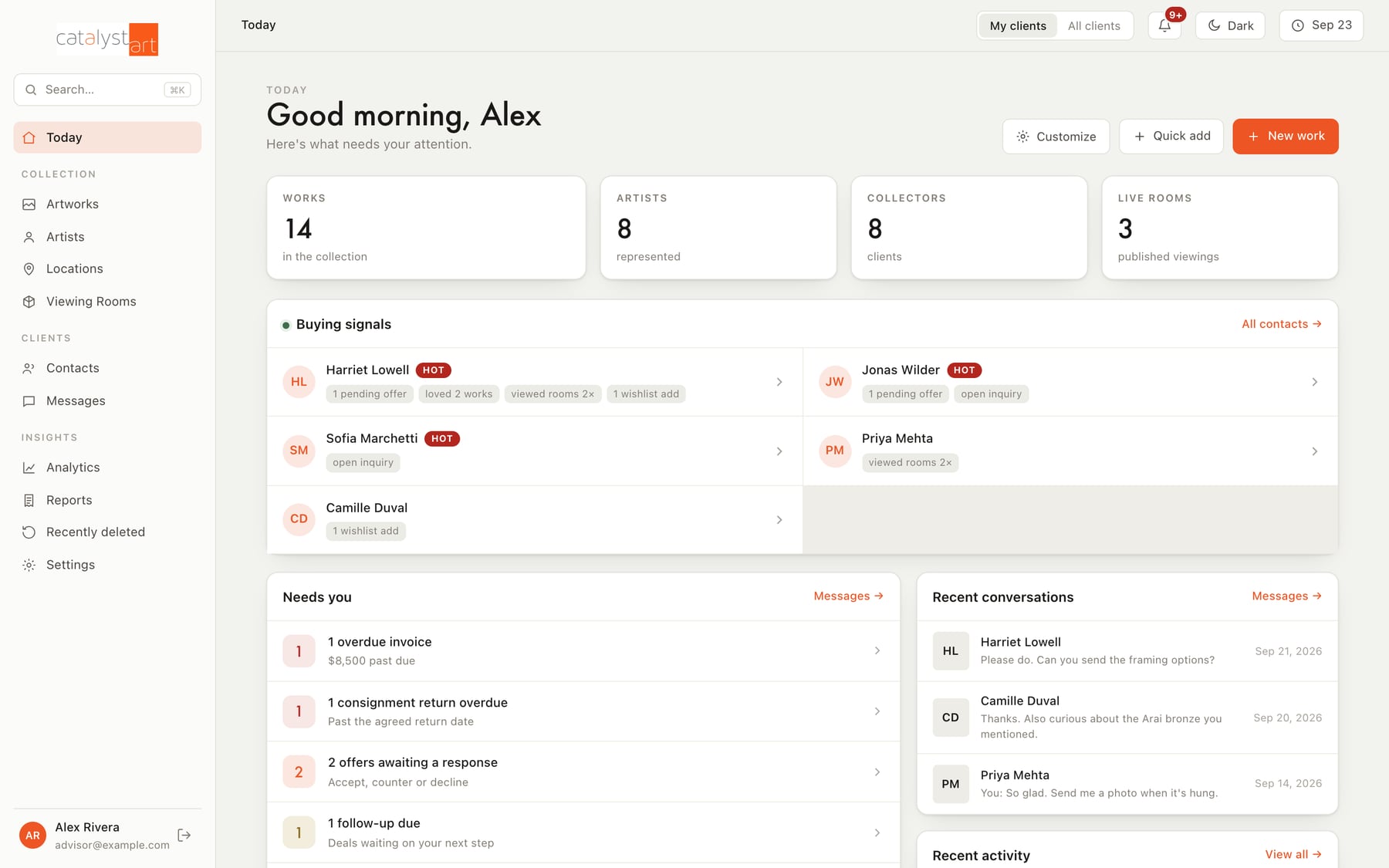
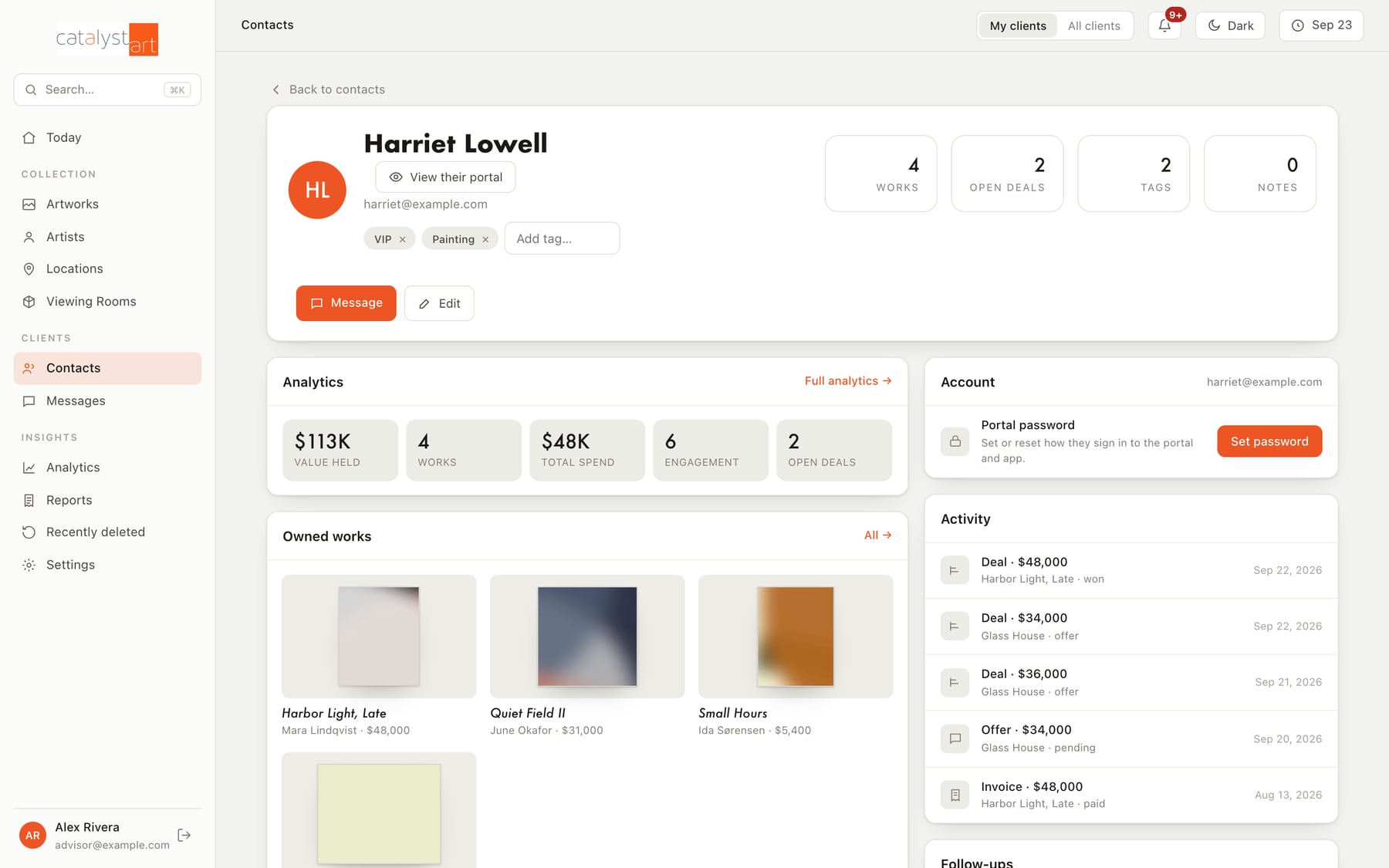
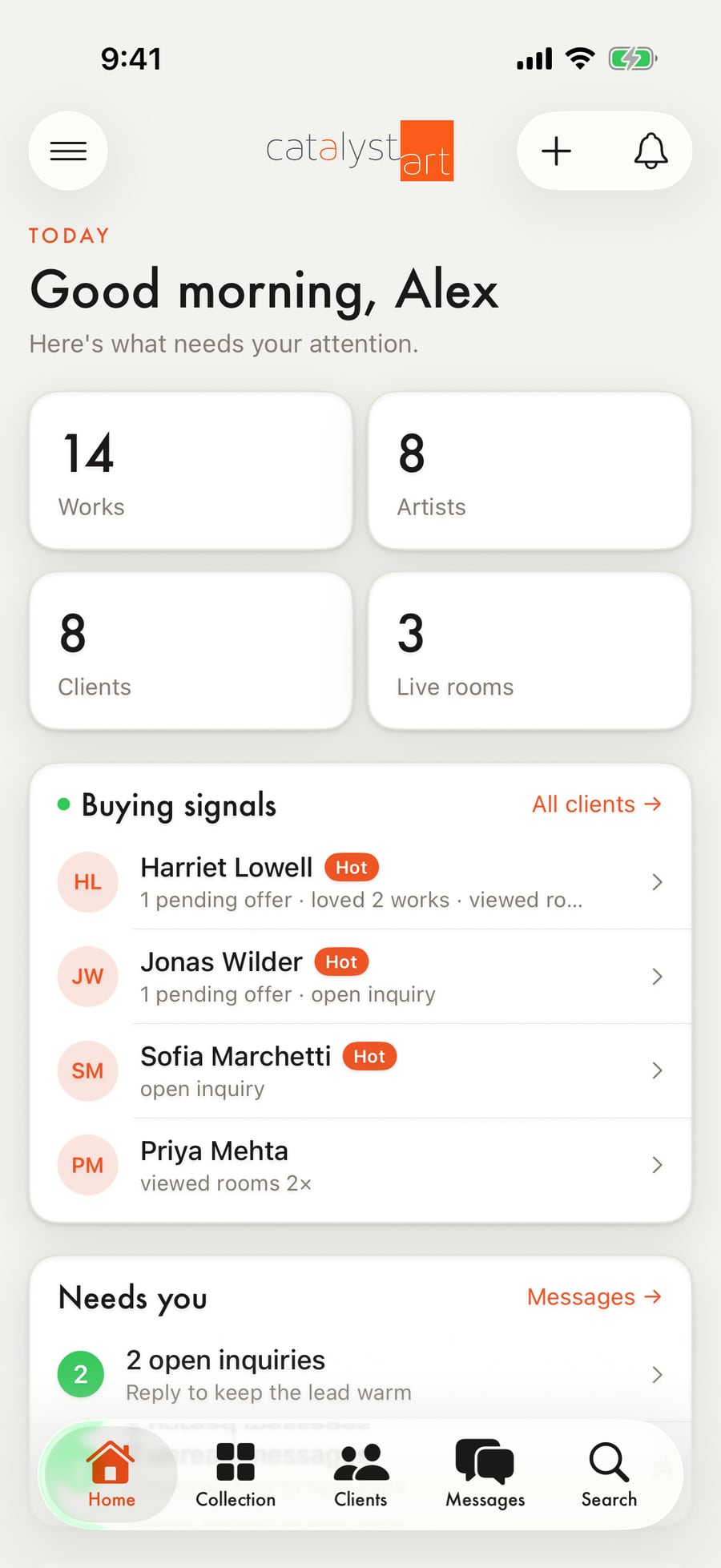
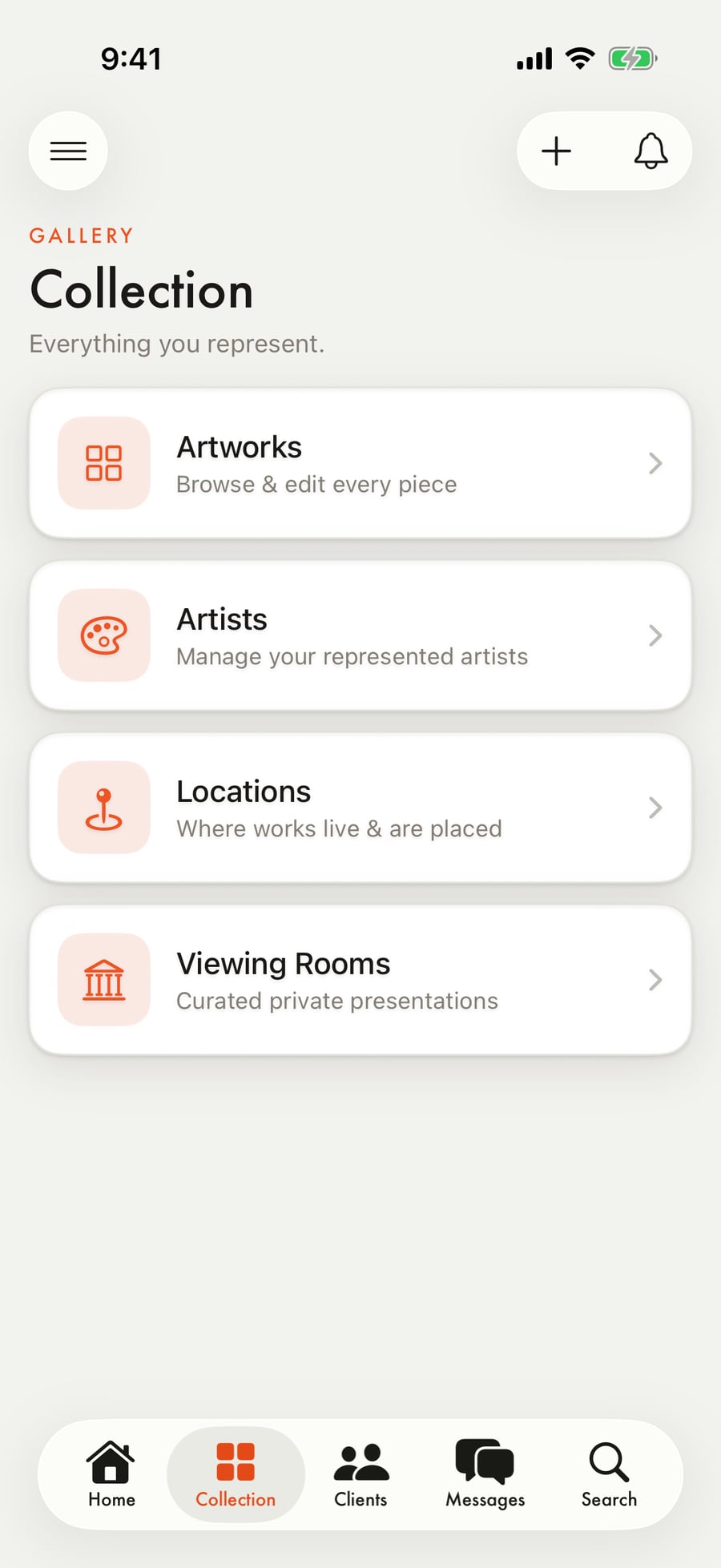
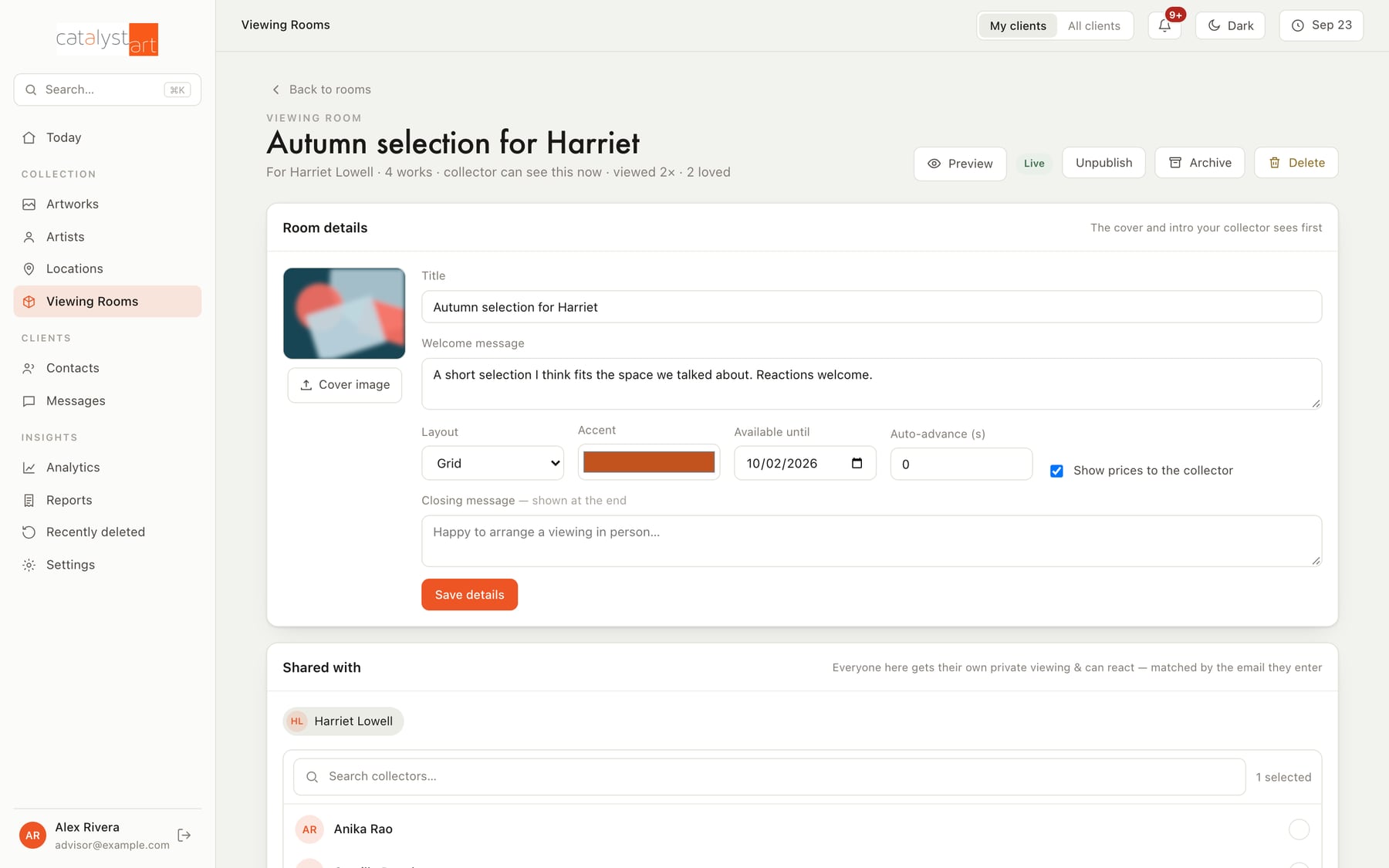
The web admin opens on a dashboard that pulls the important things forward: which collectors are showing buying signals, what's overdue, who's waiting on a reply, what's coming up. From there, everything the business tracks is a click away, and every record links to the records around it: a work to its owner, an owner to their rooms, a room to the reactions it got.
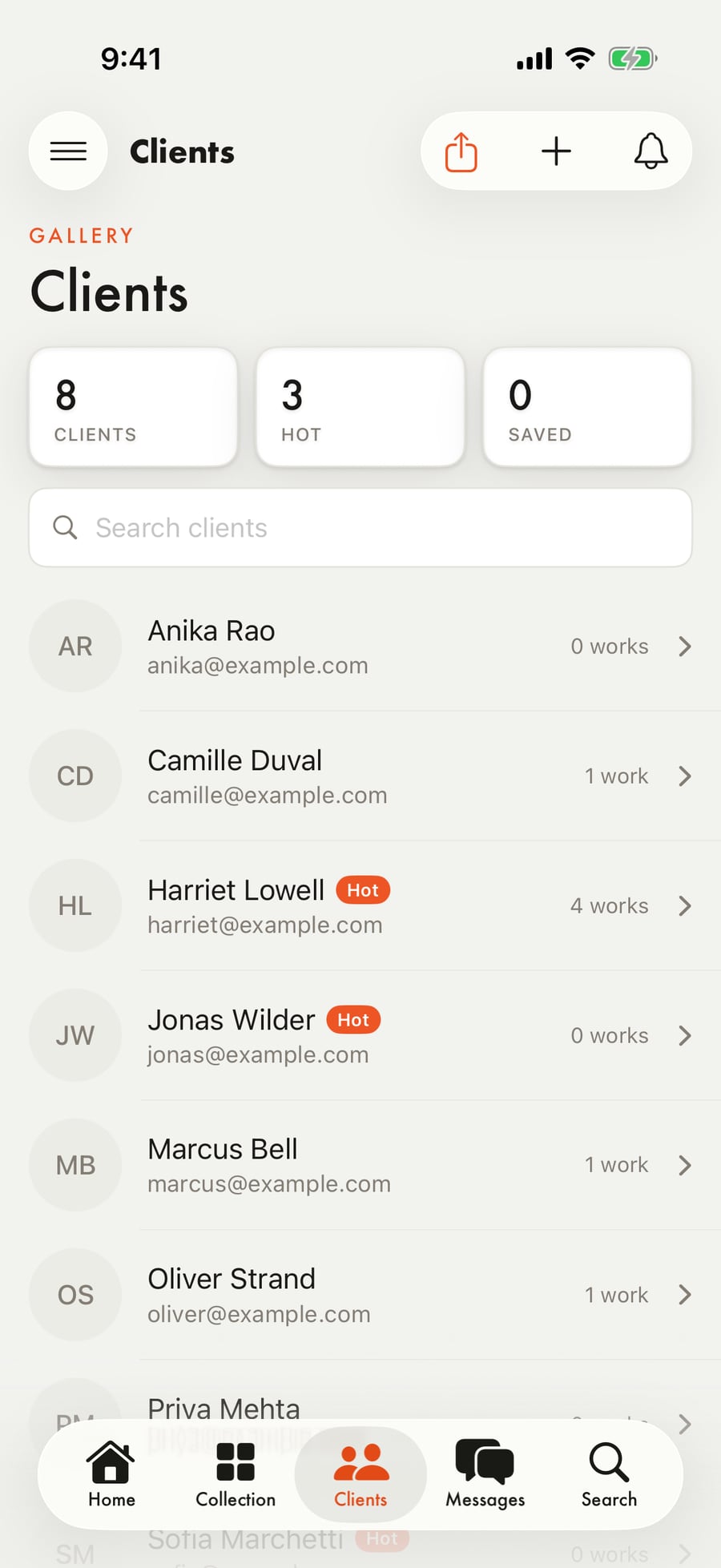
The iOS admin is the same account on the phone. It's built for the moments that don't happen at a desk: checking a collector's record before a meeting, replying to a message, looking up a work in a storage unit.
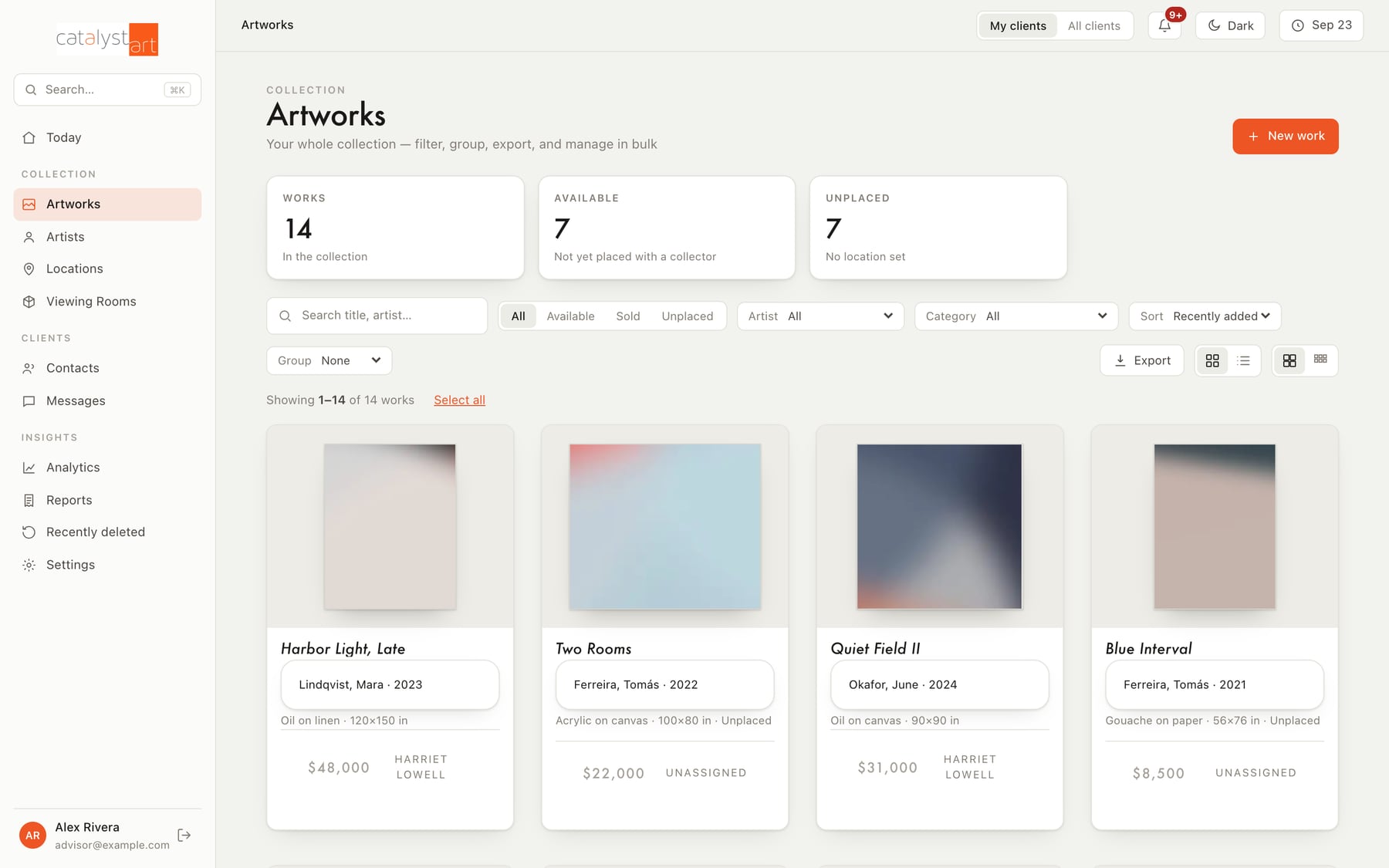
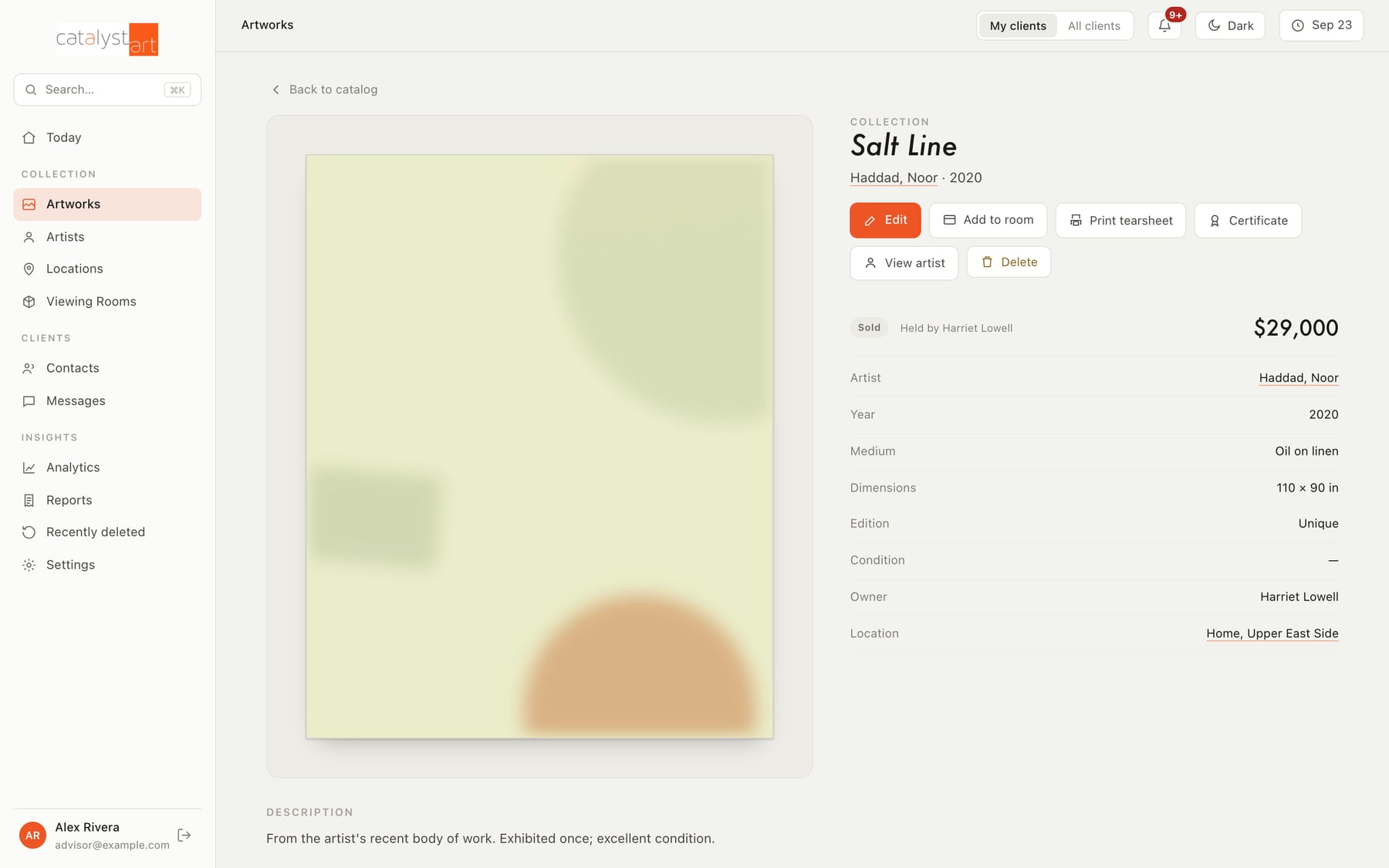
- Catalog: every work with images, details, provenance, valuation history, location, and documents
- Clients: a CRM built around collectors, what they hold, what they've reacted to, and what they're interested in
- Viewing rooms: build a private showing in minutes, publish it, and see who opened it and what they loved
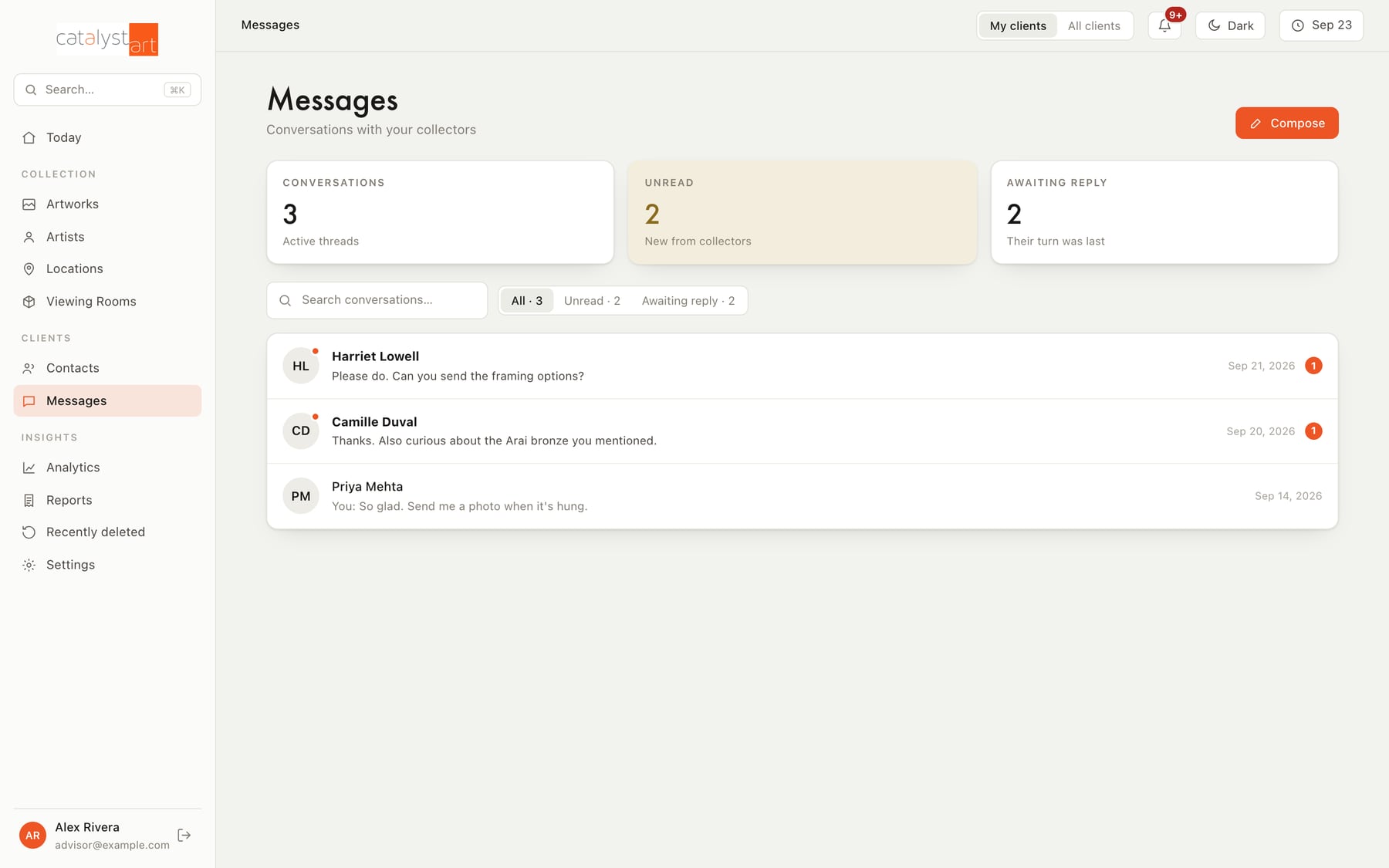
- Offers, invoices, and messages kept next to the works they're about
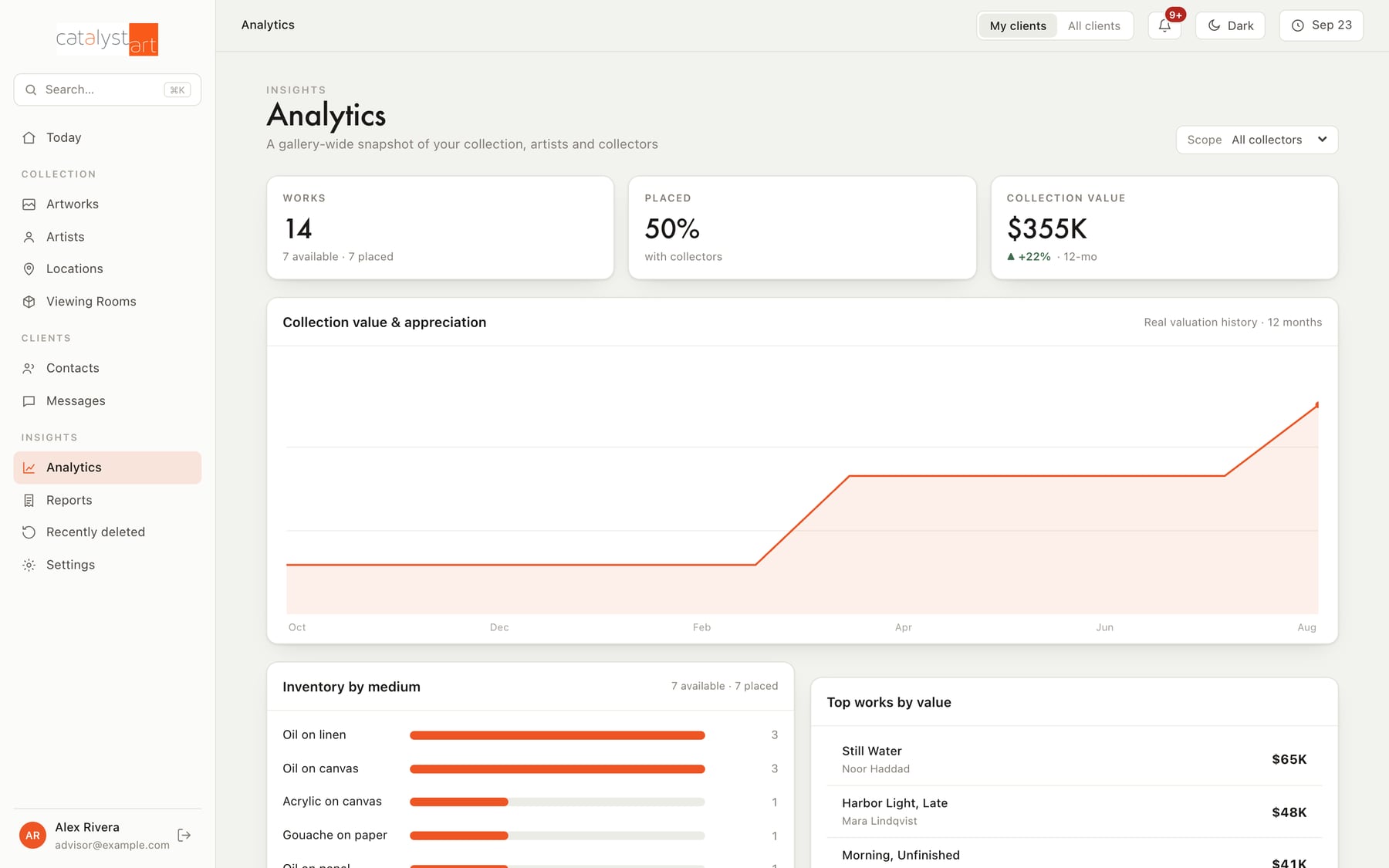
- Analytics: collection value over time, inventory, pipeline, and payments
- Artists, locations, tearsheets, and certificates
04For collectors
Their collection, their showings, their advisor. Nothing else.
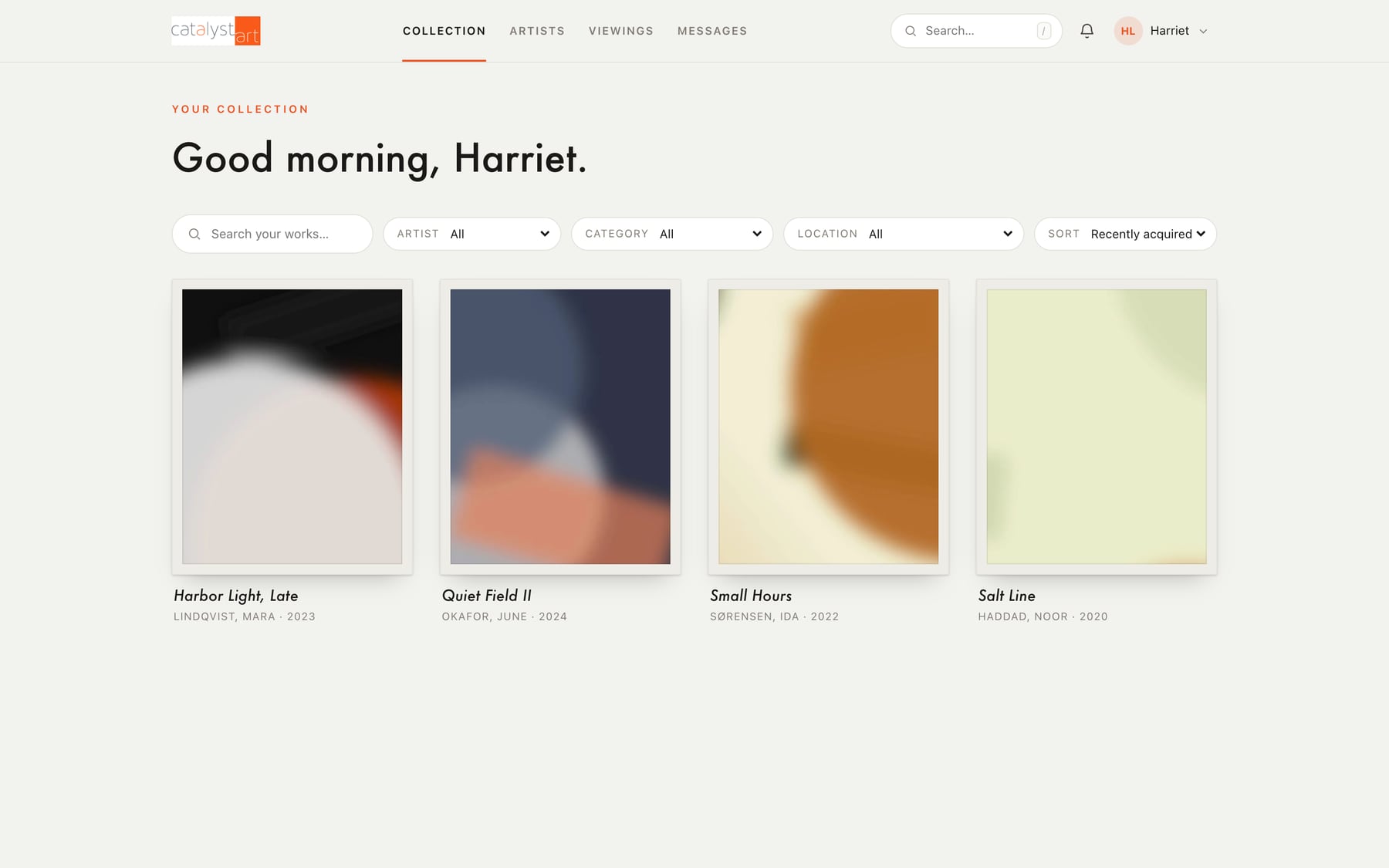
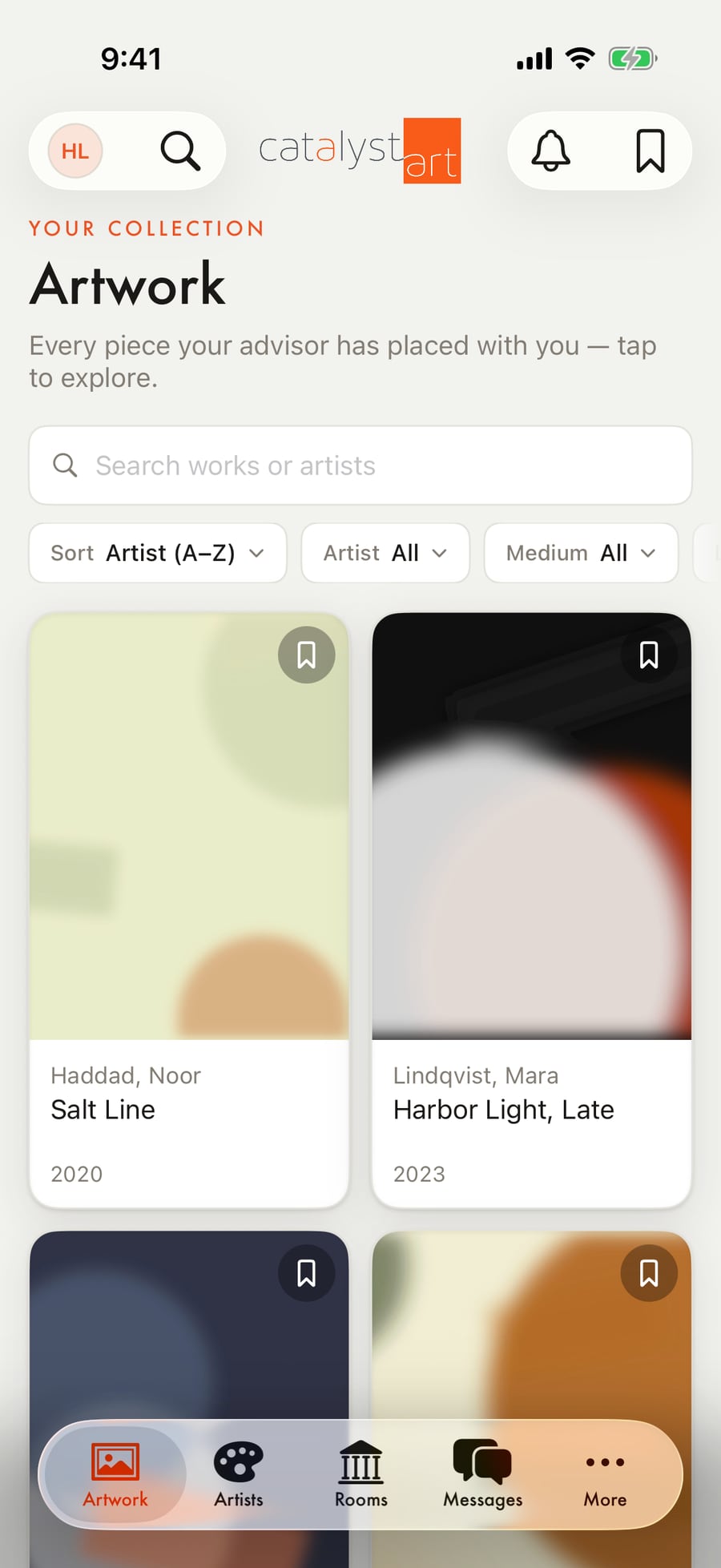
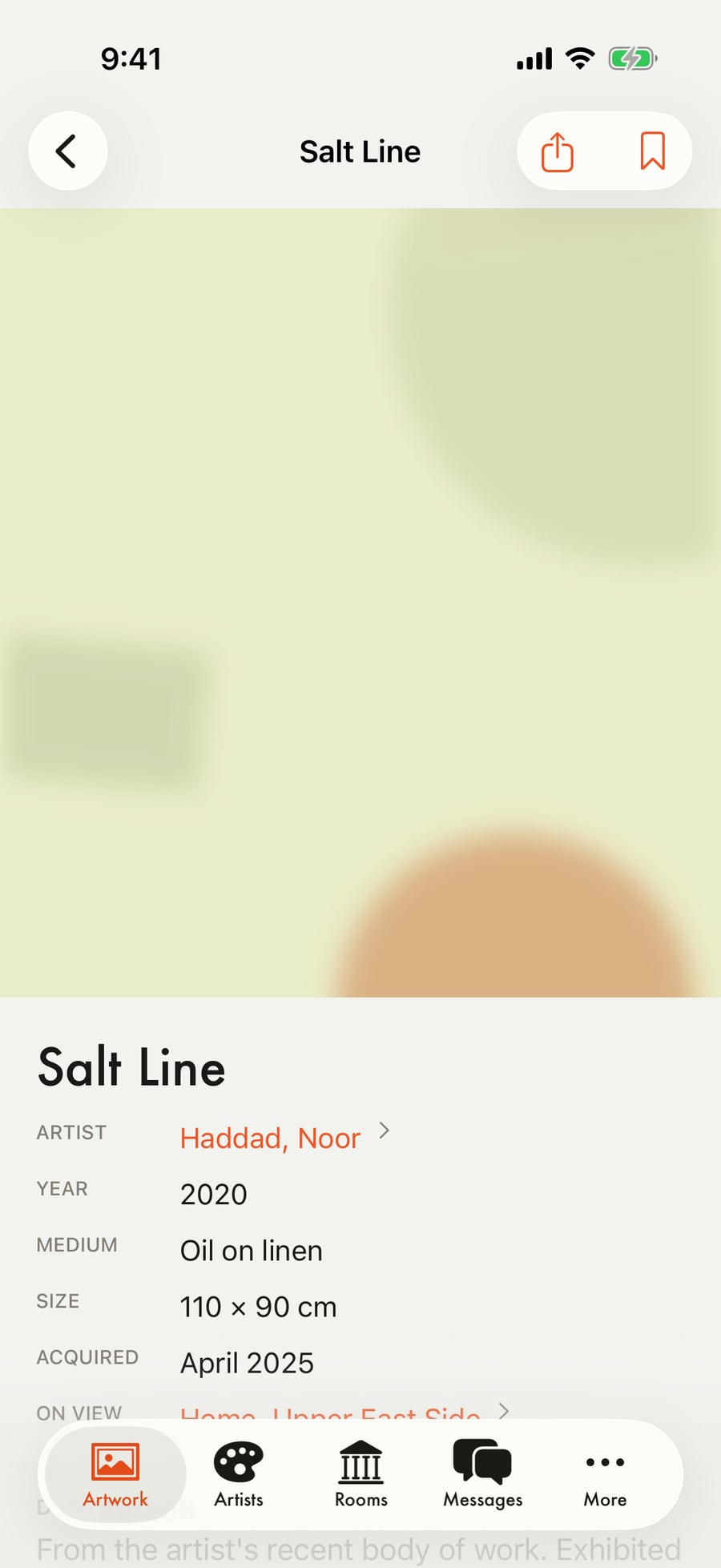
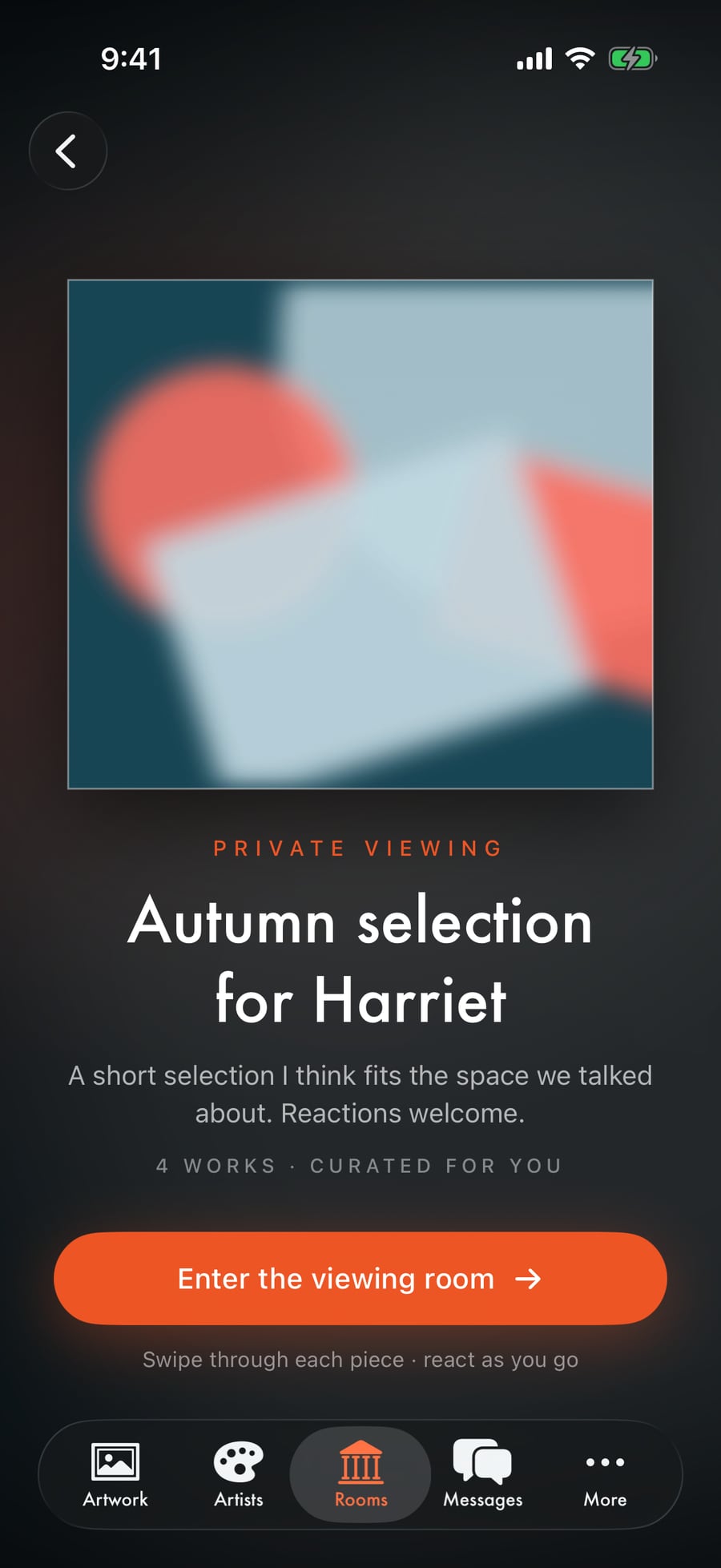
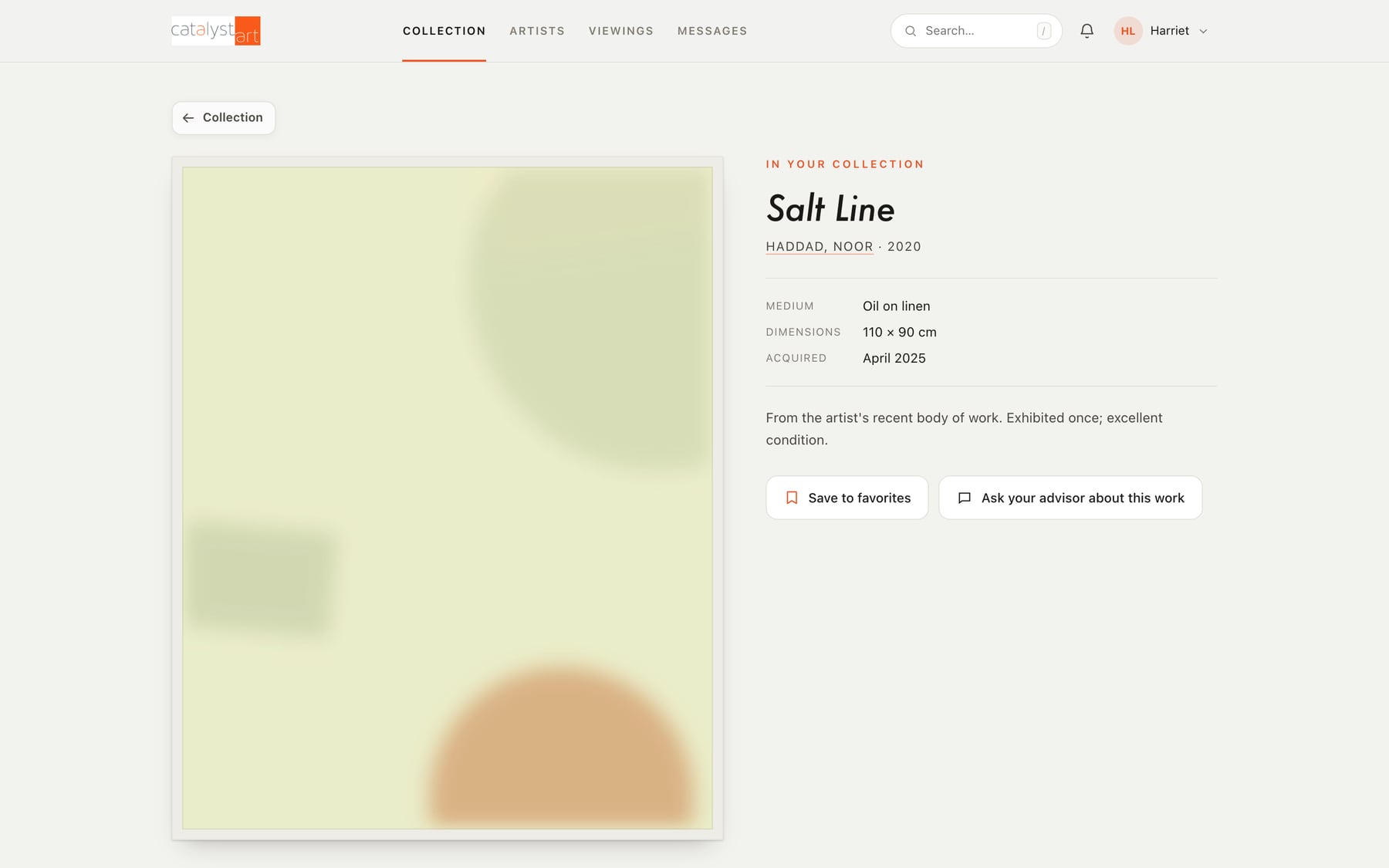
A collector opens the app and sees only their own works, with the record for each one: artist, medium, size, where it's hung, the documents behind it. When the advisor publishes a viewing room for them, it arrives as a full-screen private showing they can swipe through and react to, and those reactions go straight back to the advisor.
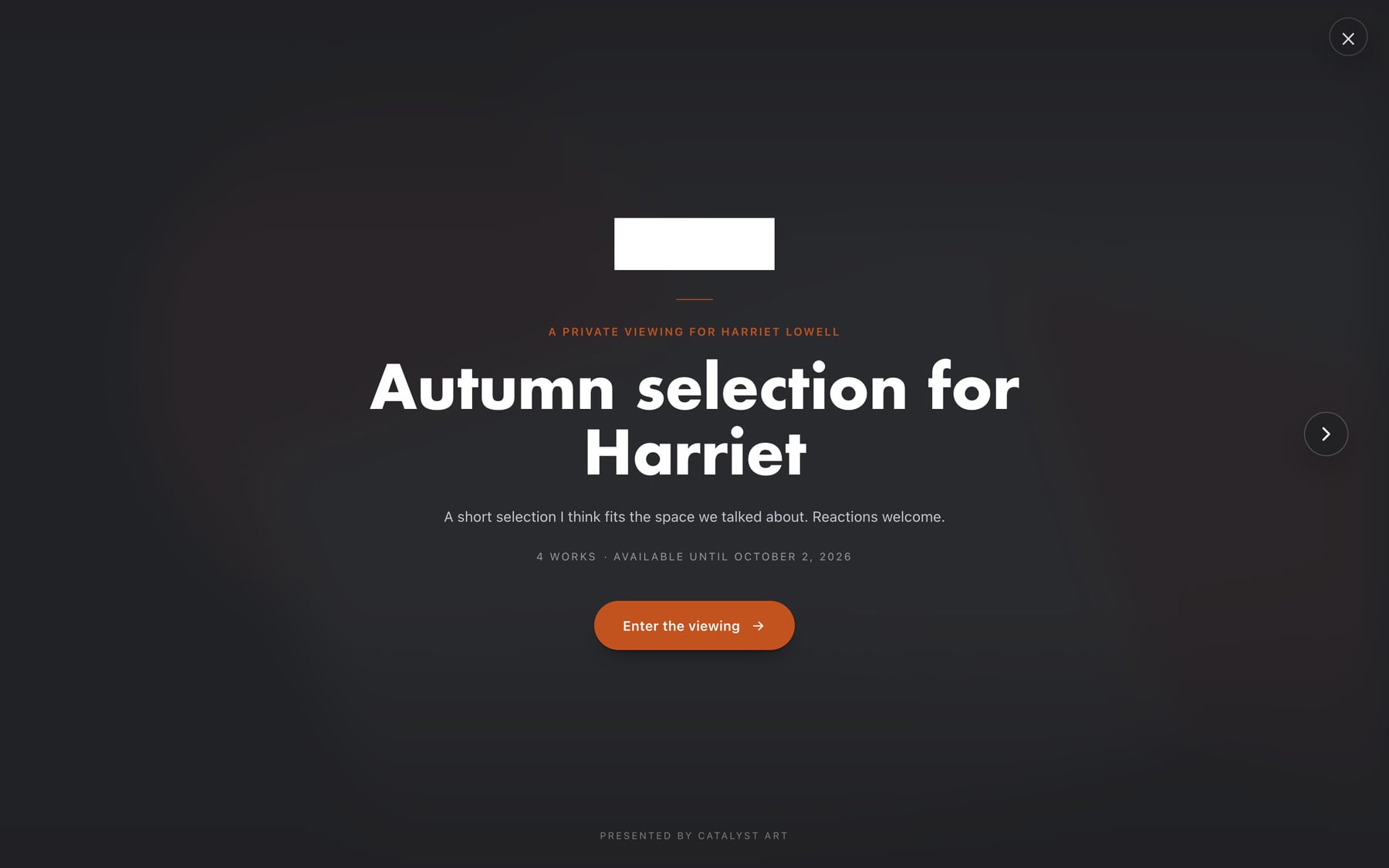
The web portal is the same experience in a browser. It also produces the shareable pages: a viewing room link that asks a guest for their name and email before it opens, and a public provenance page for a work.
- Collection and records, matching what the advisor sees for that collector
- Private viewing rooms with reactions
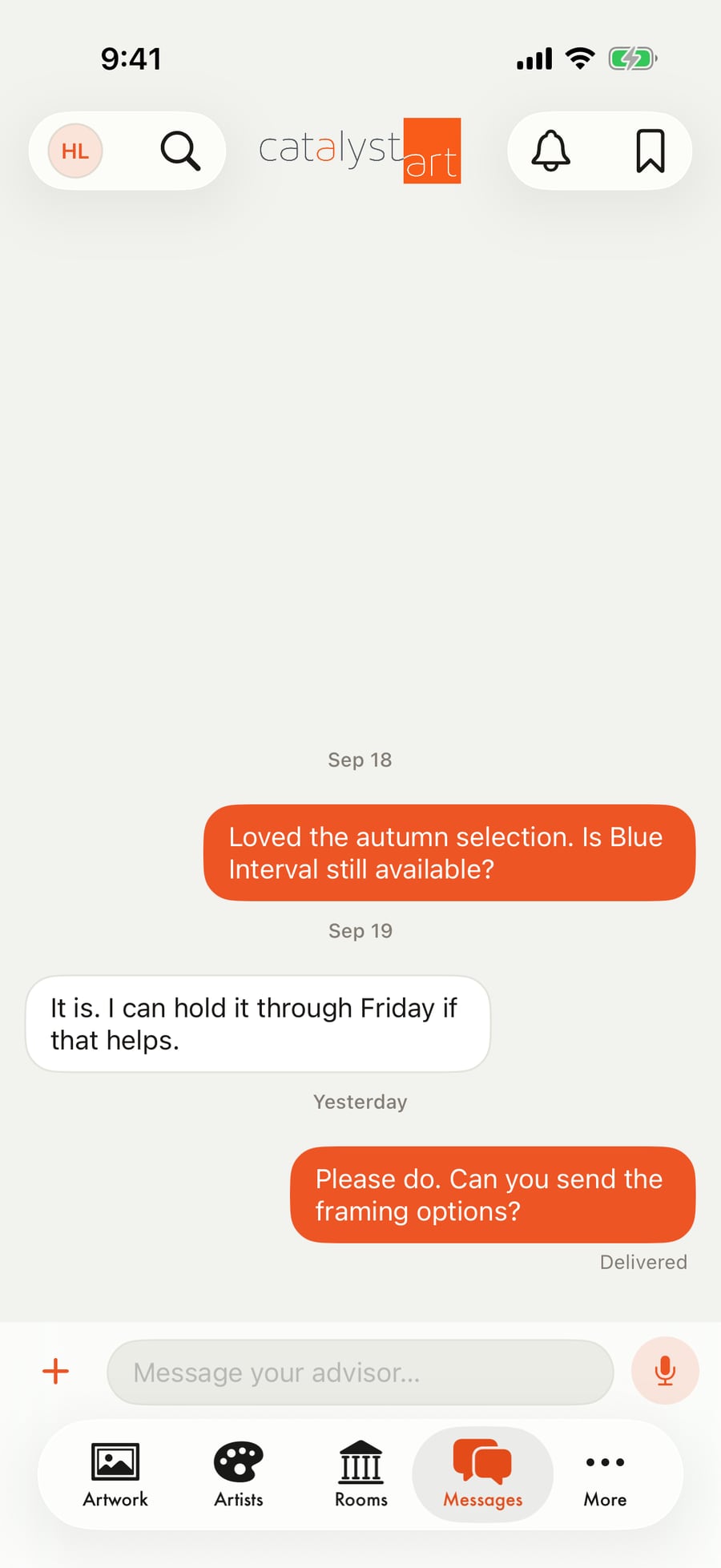
- Messages with the advisor, with push notifications
- Saved works and a wishlist the advisor can act on
- Shareable room and provenance pages
05How it works
One source of truth, and rules about who can see what.
All four apps talk to one backend: a Postgres database with row-level access rules, authentication with advisor and collector roles, object storage for artwork images and documents, and server-side functions for email, push notifications, invoices, and share links. The access rules live in the database itself, so a collector can only ever read their own data no matter which app they use.
The web admin and portal are one server-rendered React application. The iOS app is native Swift and SwiftUI against the same API, and switches between the advisor and collector experience based on the signed-in account. A realtime channel pushes changes out, so a reaction in a viewing room shows up on the advisor's dashboard as it happens.
Each gallery gets its own isolated project, so the same platform can be set up for another advisor without their data ever sharing a database.
06My role
Everything from the first conversation to delivery and support.
Discovery, scoping, and deciding what should exist. The data model and architecture. The web admin, the collector portal, the iOS app, and the backend. Choosing the technology, then explaining every decision in plain terms to someone who didn't need to care about the technology. And the part that never ends: listening to how it's actually used and adjusting.
07Result
Hours to minutes, and one place for everything.
Preparing a private showing went from an afternoon of assembling material by hand to a few minutes: pick the works, write a note, publish, and the collector has it on their phone. Questions that used to need a search get answered by looking. Collectors went from receiving PDFs to having an app with their name on it.
More importantly, the business got software shaped around how it actually works, not the other way around.
08What I learned
The hard part of client software isn't the code.
This was the project that made entrepreneurship feel real. I learned how to turn a real business problem into a functioning software product: client discovery, managing scope, choosing technology for the problem instead of the other way around, and communicating clearly the whole way through.
It's understanding the business well enough to know what to leave out, and building for two audiences taught me to keep asking who a screen is for before deciding what goes on it.